
Wallpapers & AI Studio
Your Screen.
Your World.
Explore free wallpapers for every screen — or create your own in the AI Studio.
Free gallery browsing · downloads for cleared artwork · AI creation in the Studio
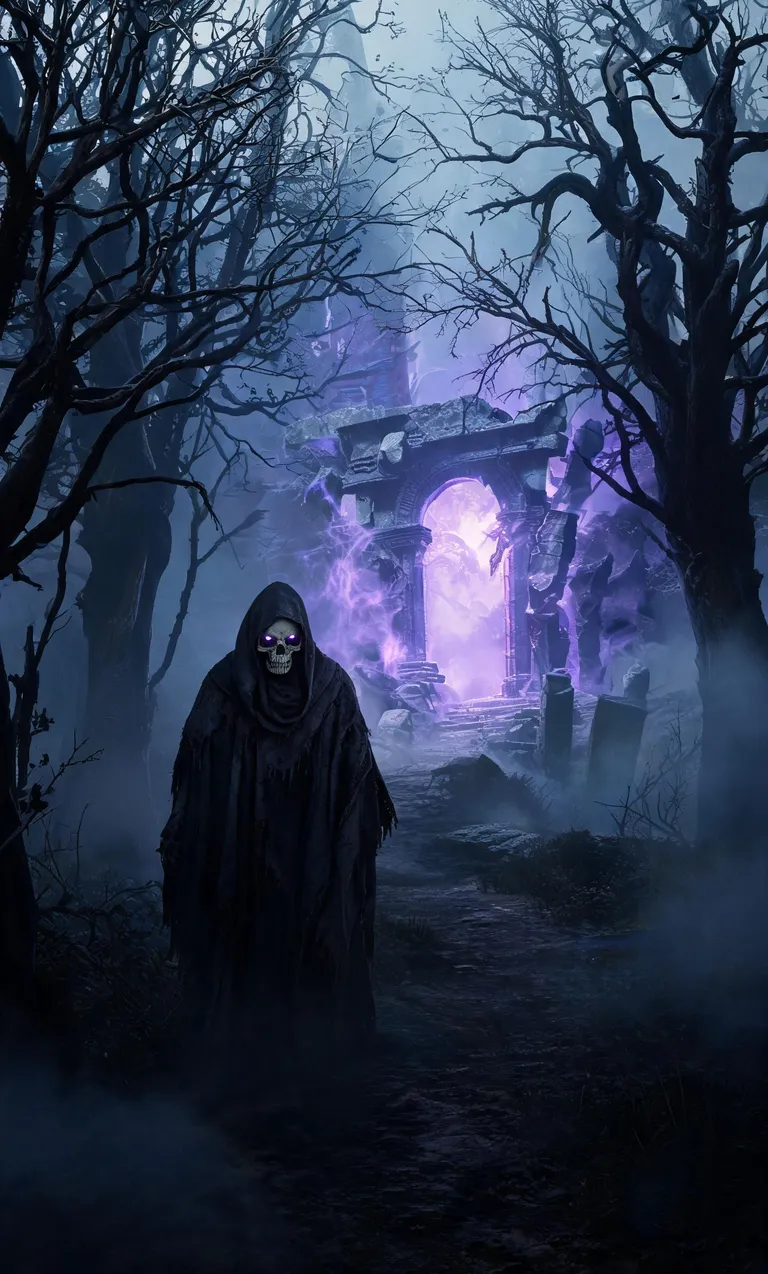
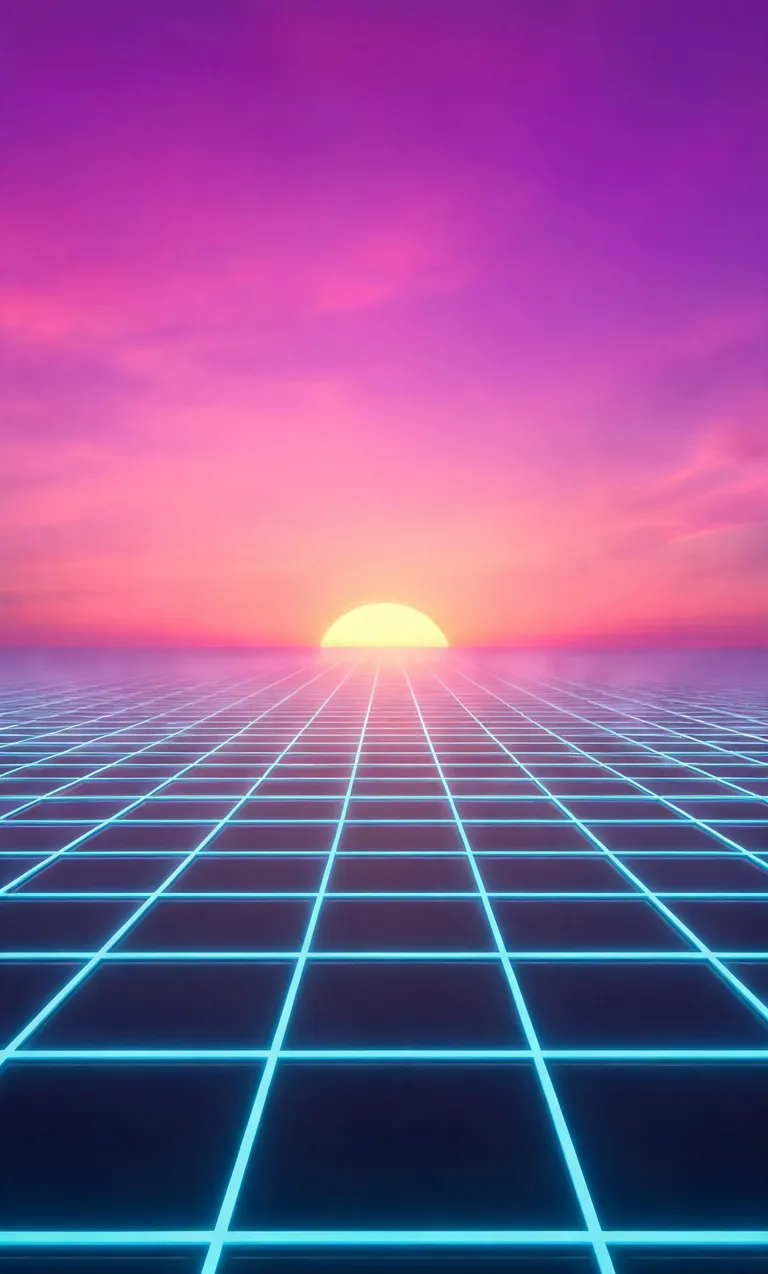
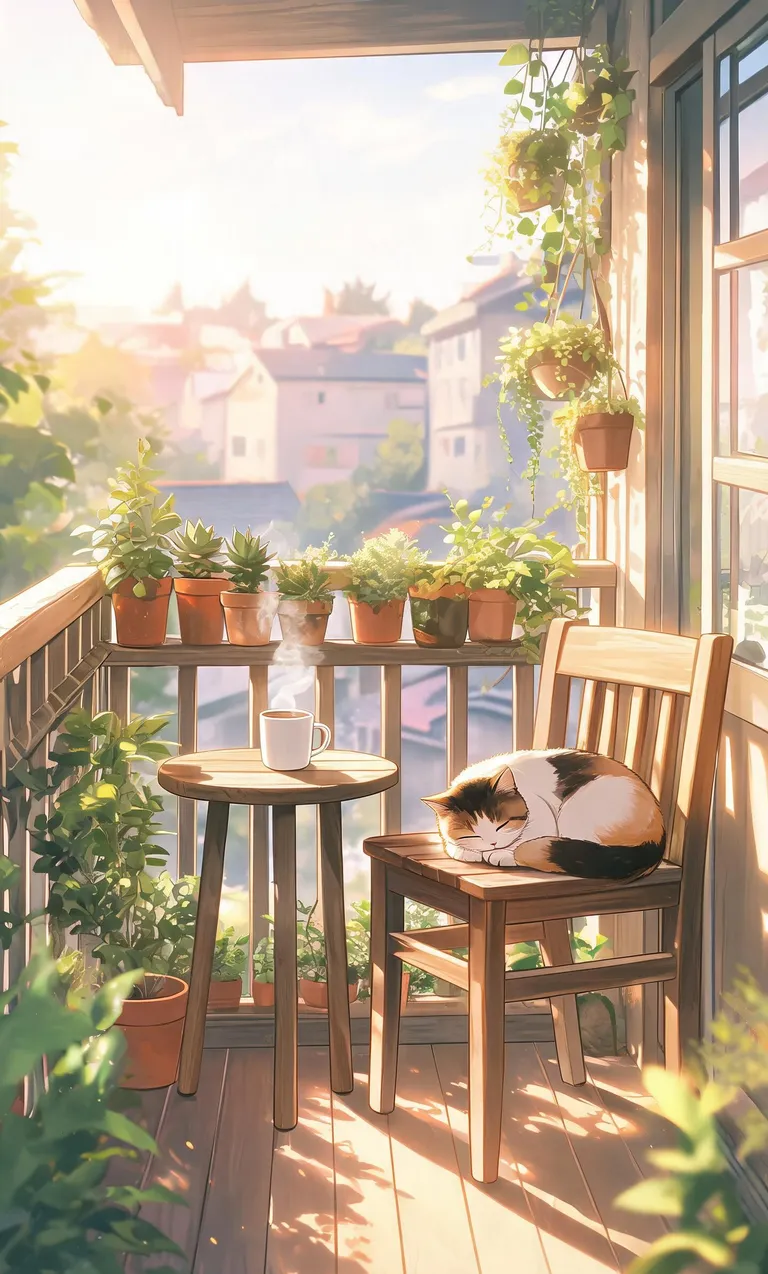
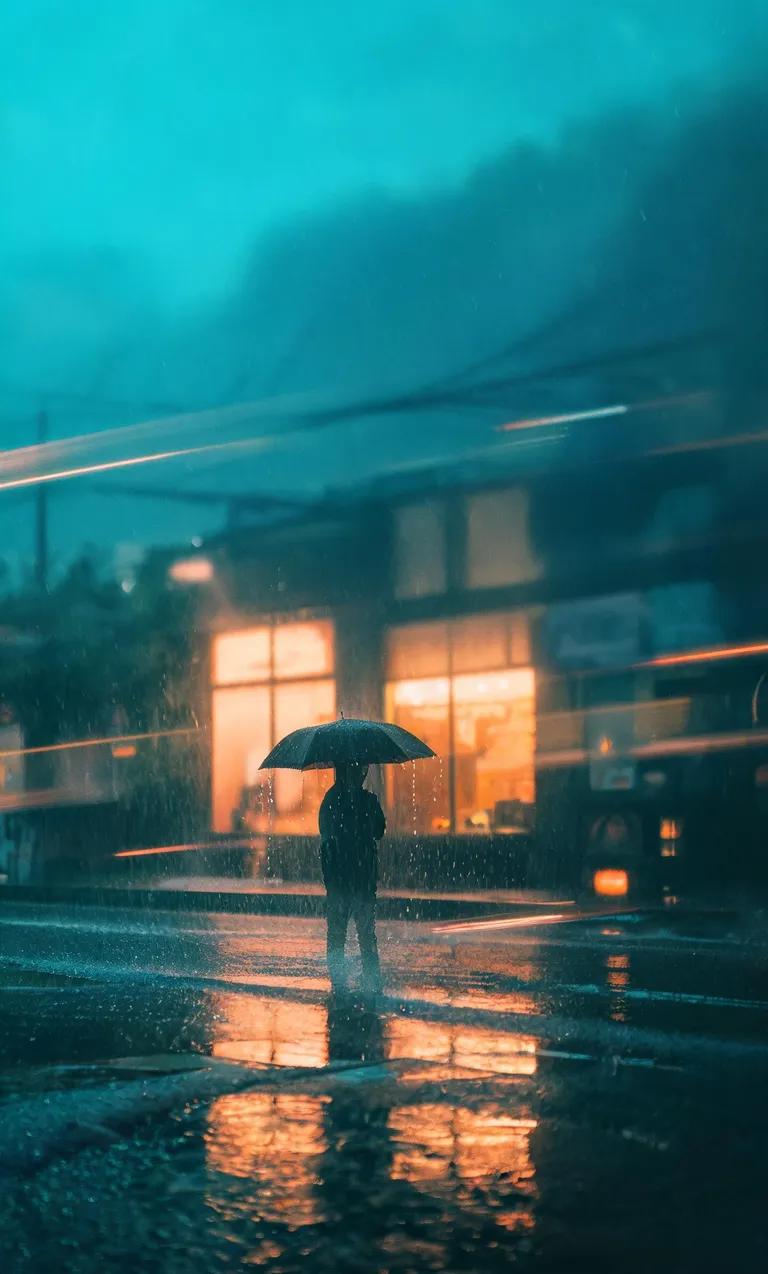
A world of styles
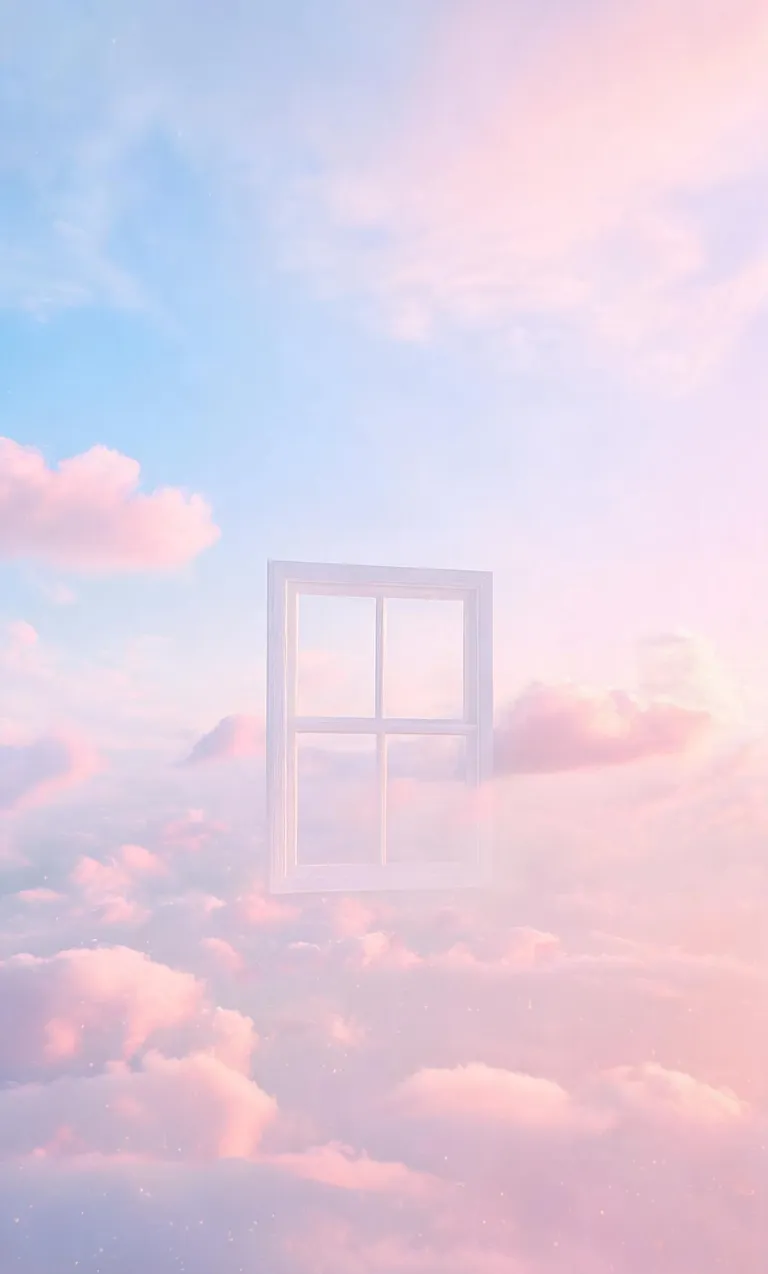
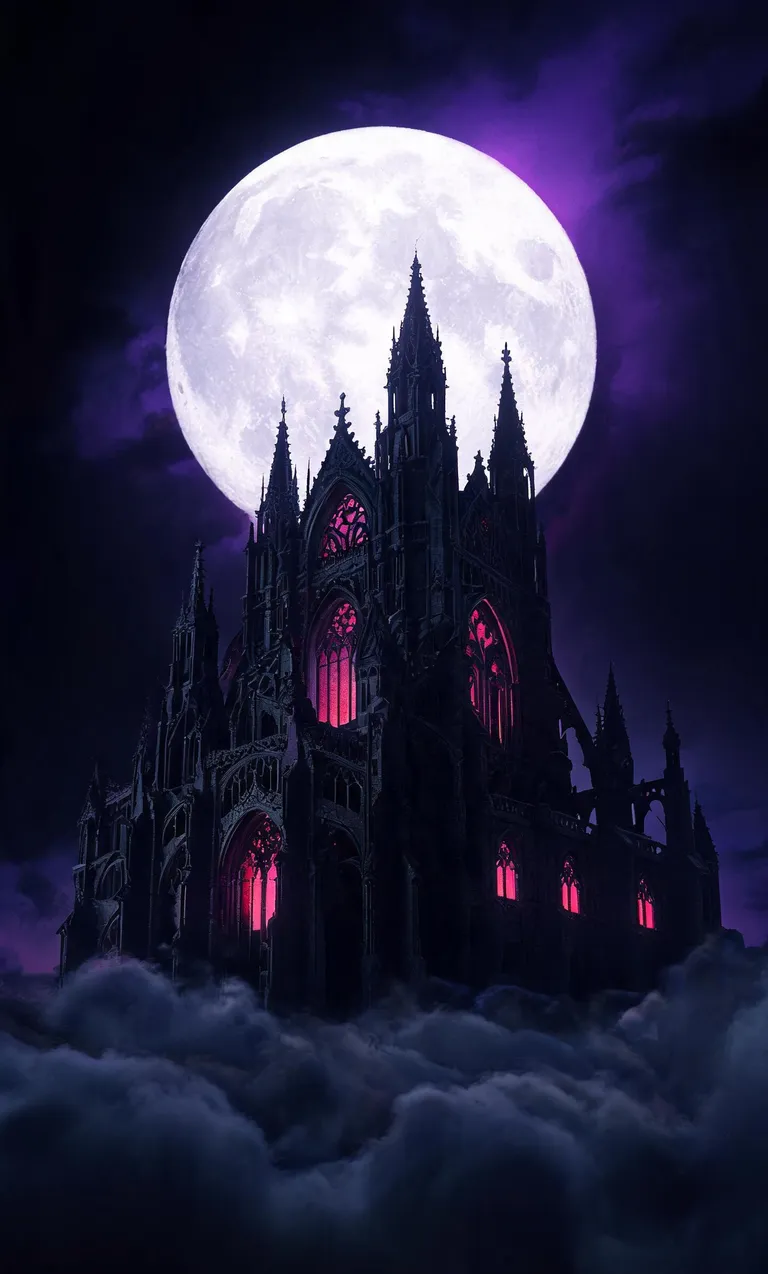
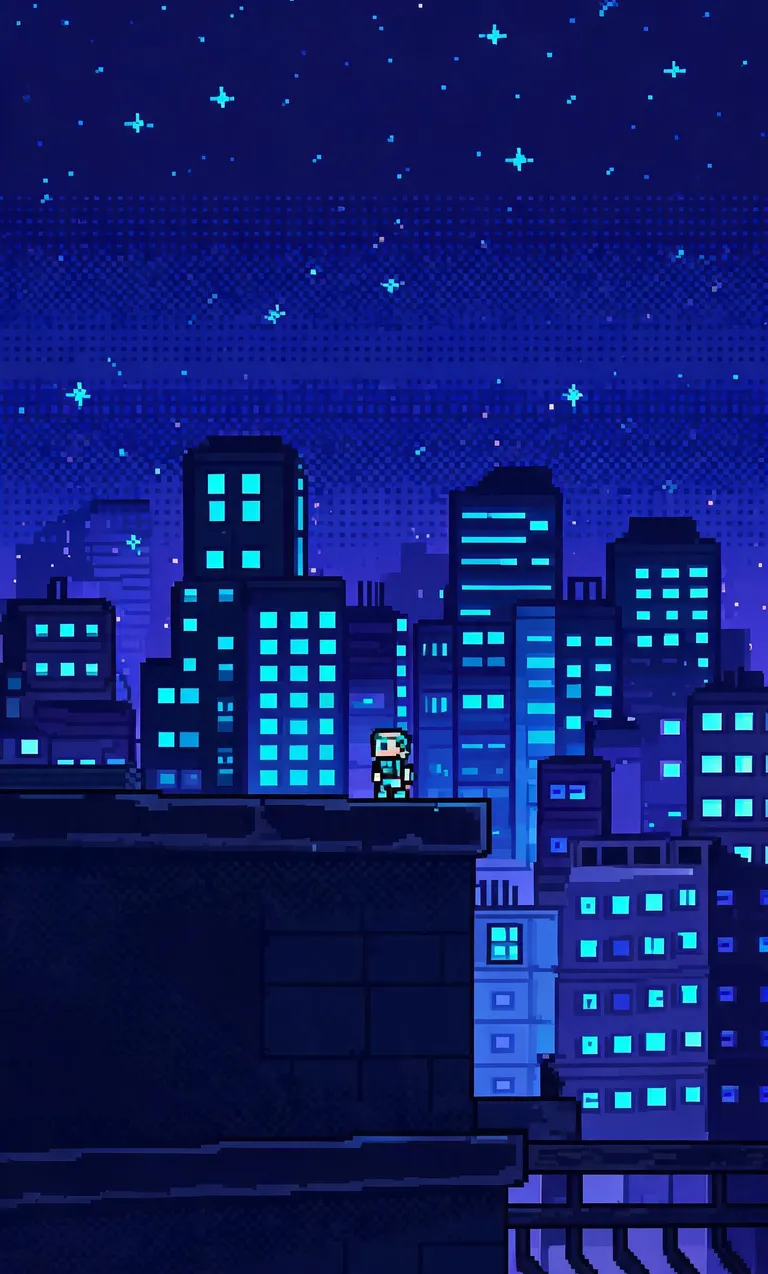

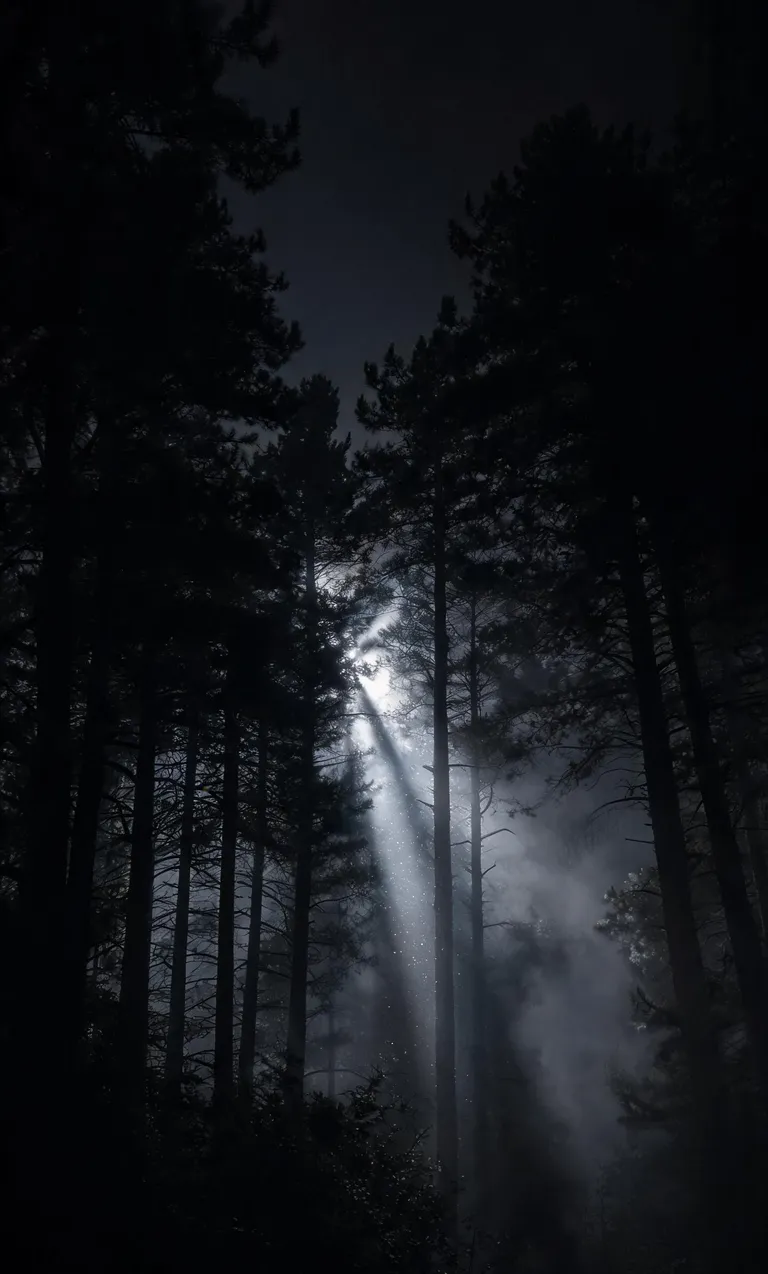
Featured
Featured wallpapers
A hand-picked selection from the gallery — open any piece for licensing status and download availability.
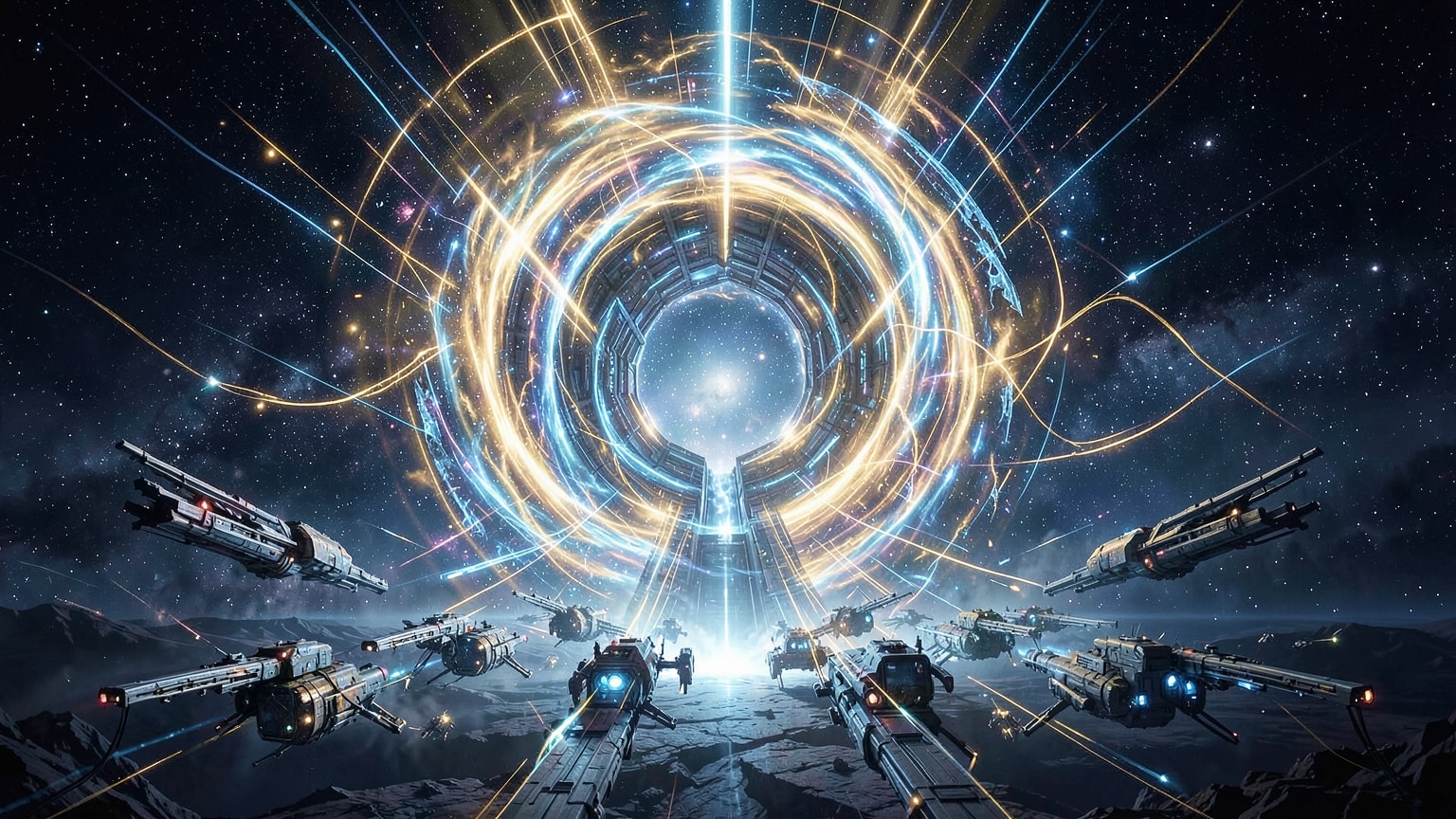
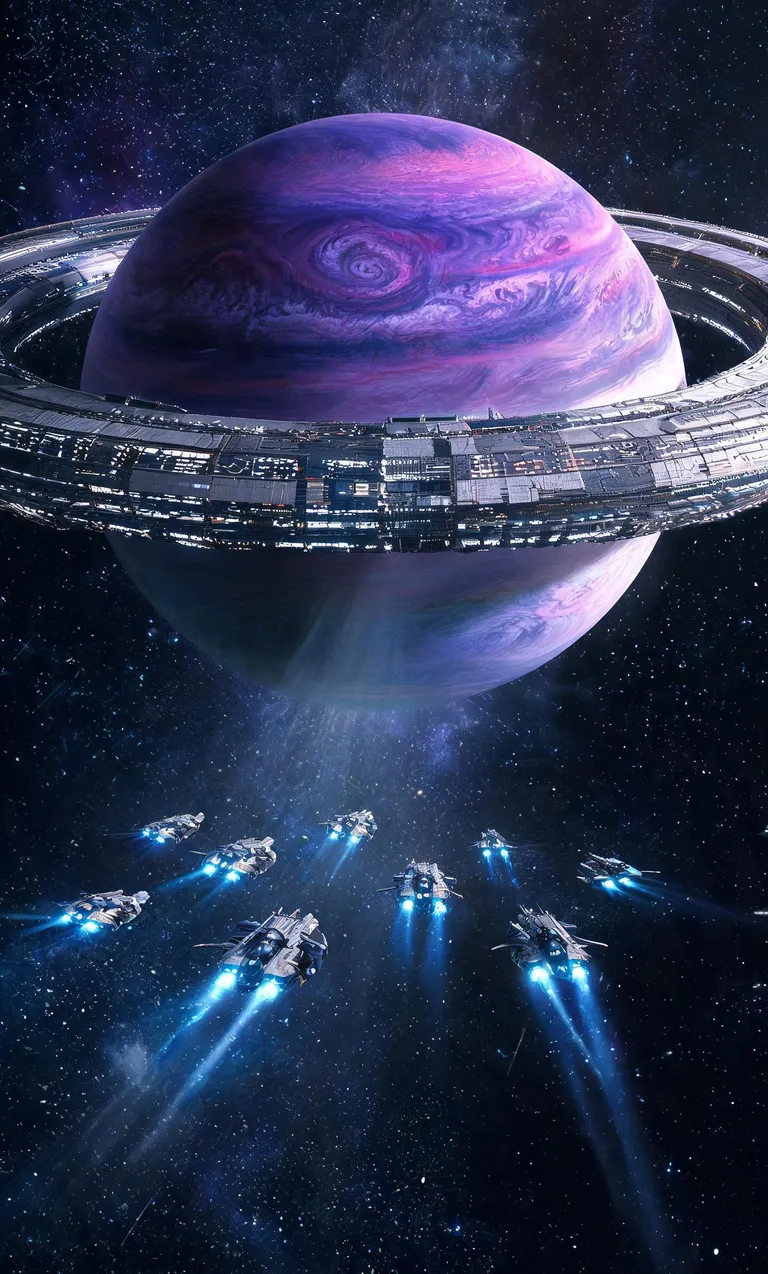
The Jump Gate
Sci-Fi
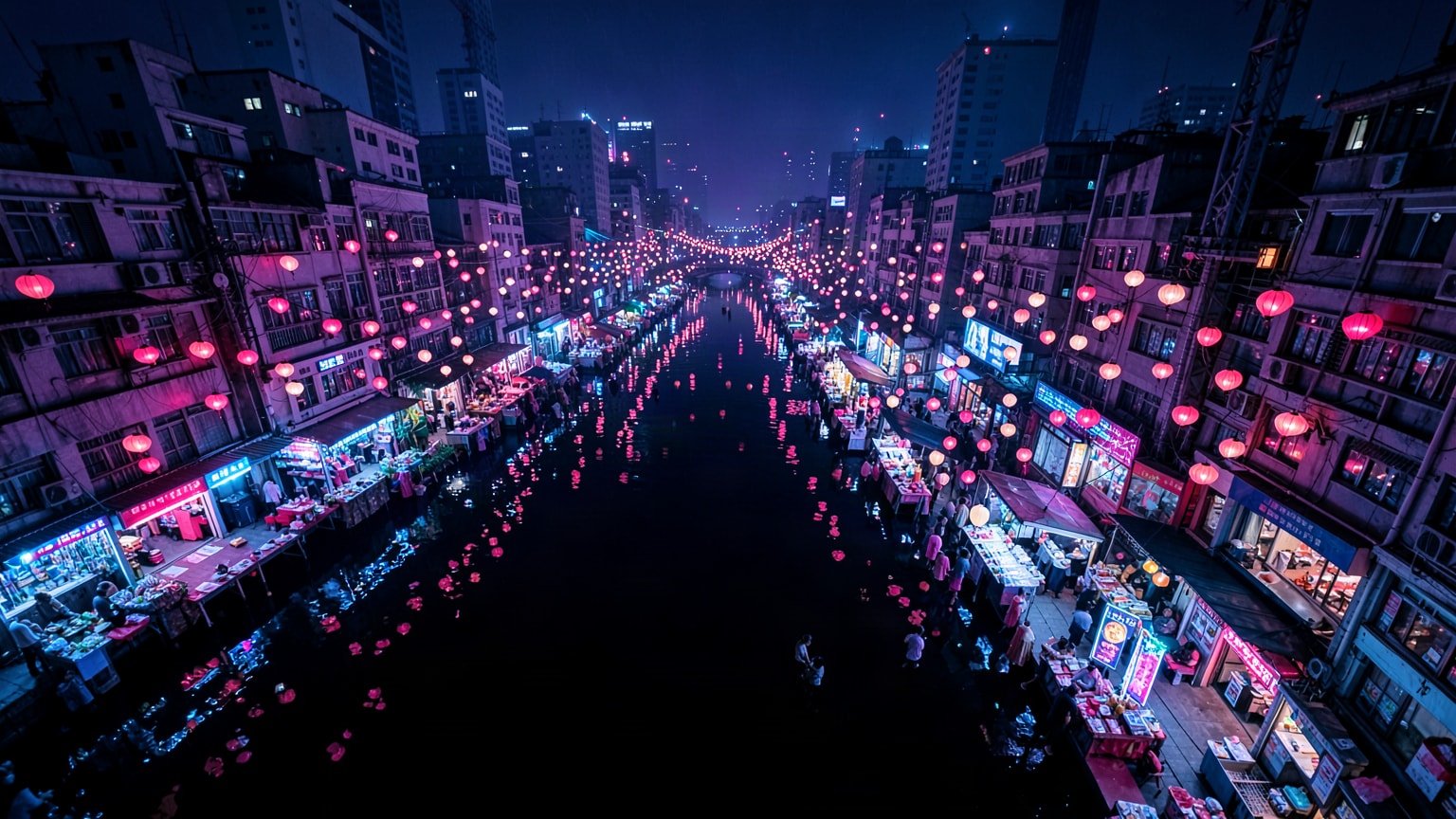
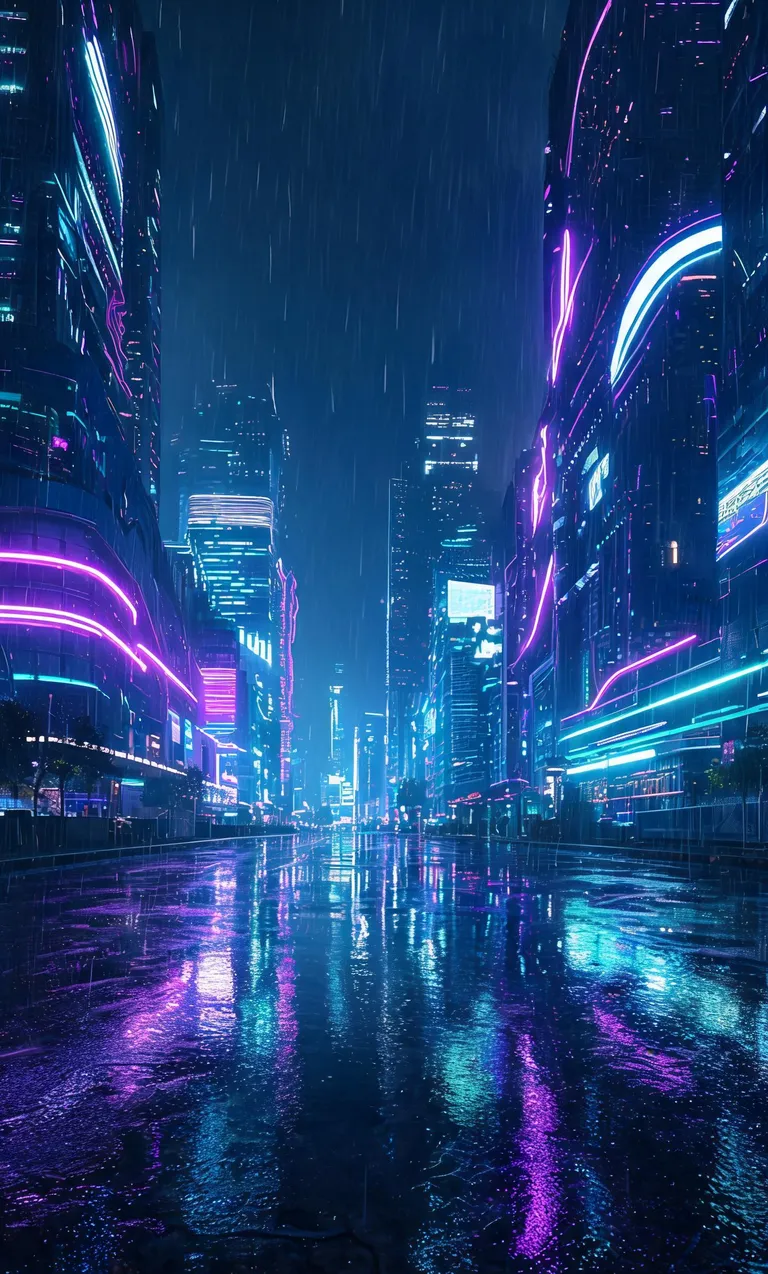
Night Market Canal
Cyberpunk
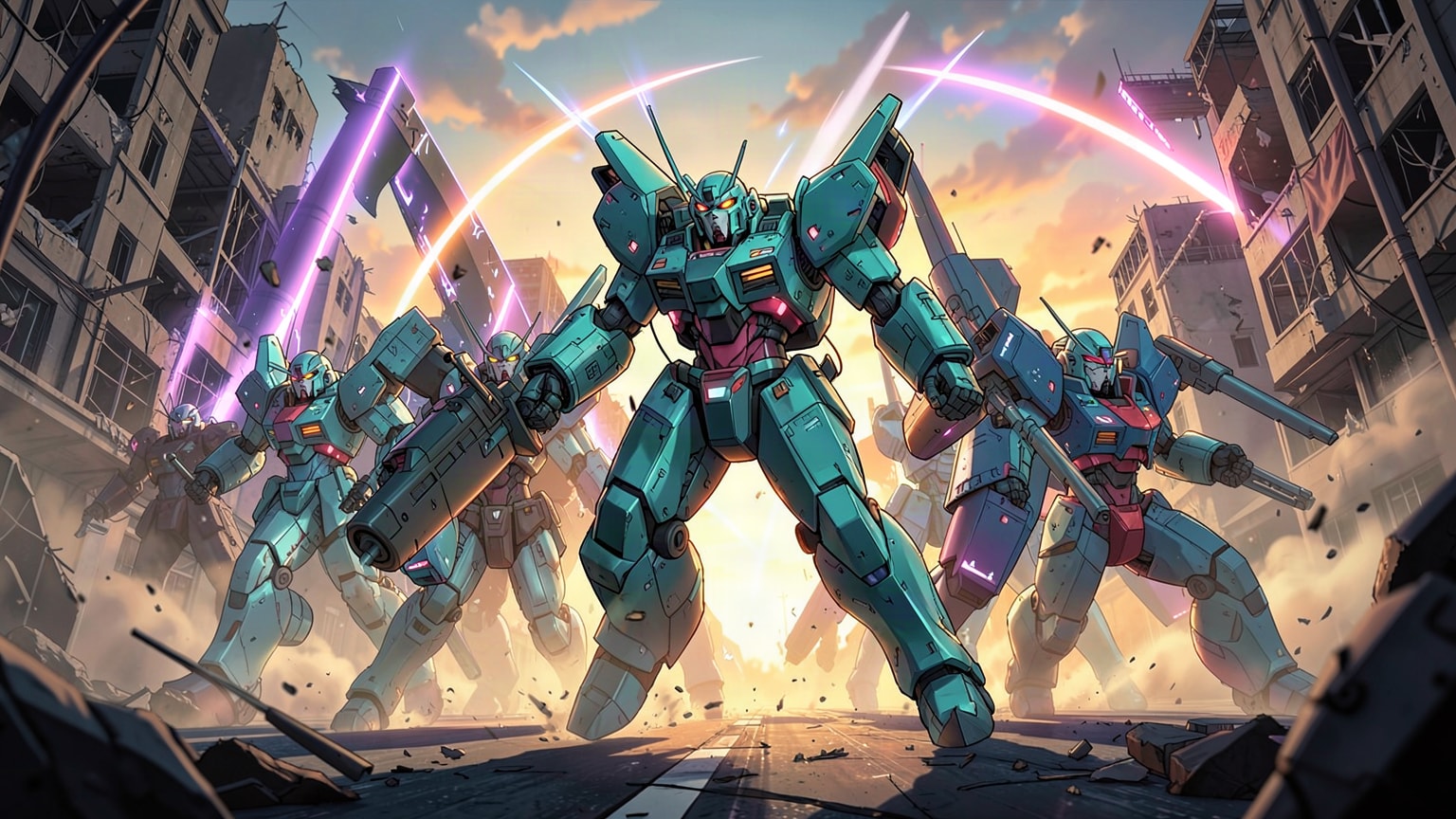
Mecha Battleline
Mecha Sci-Fi
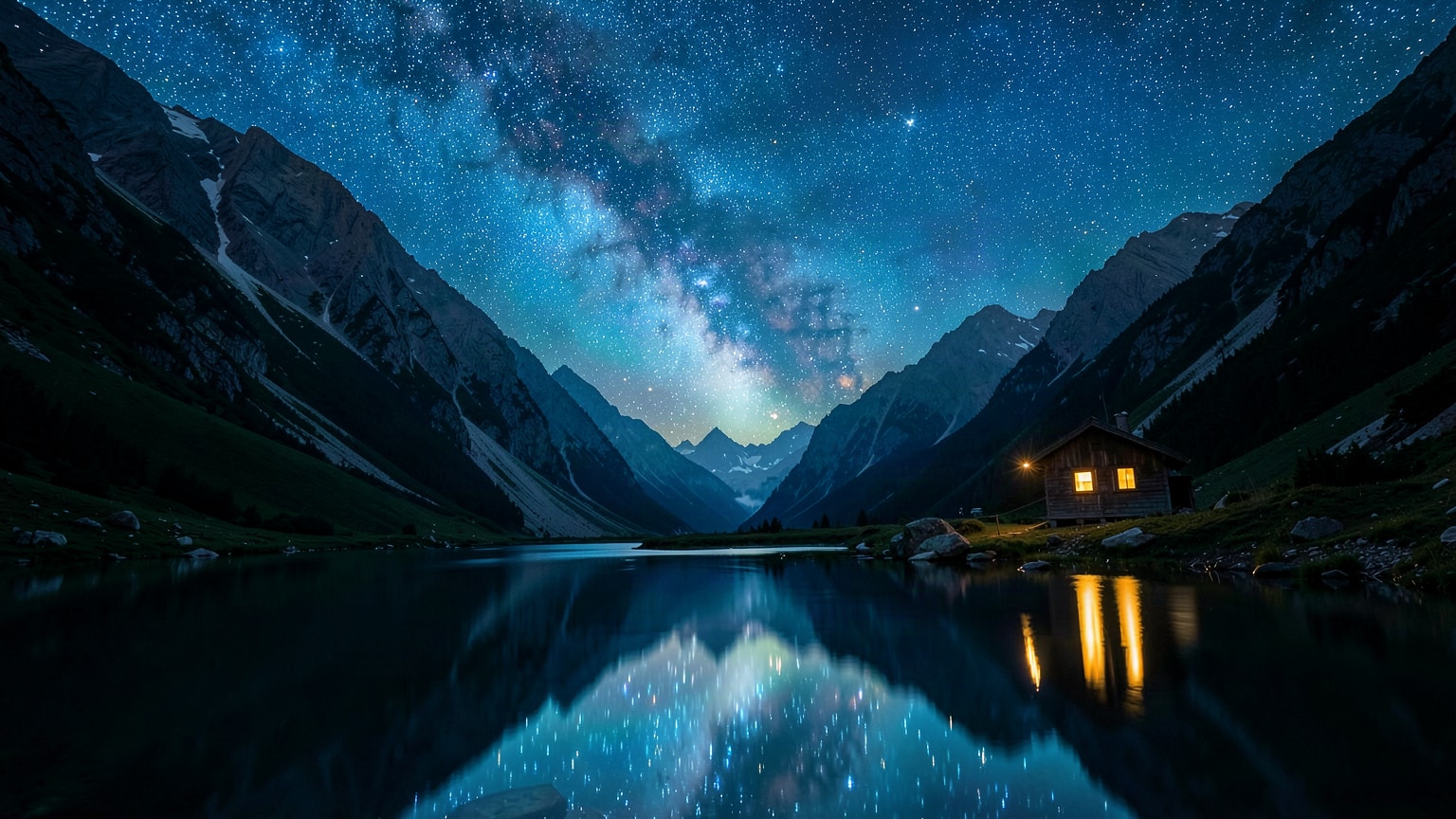
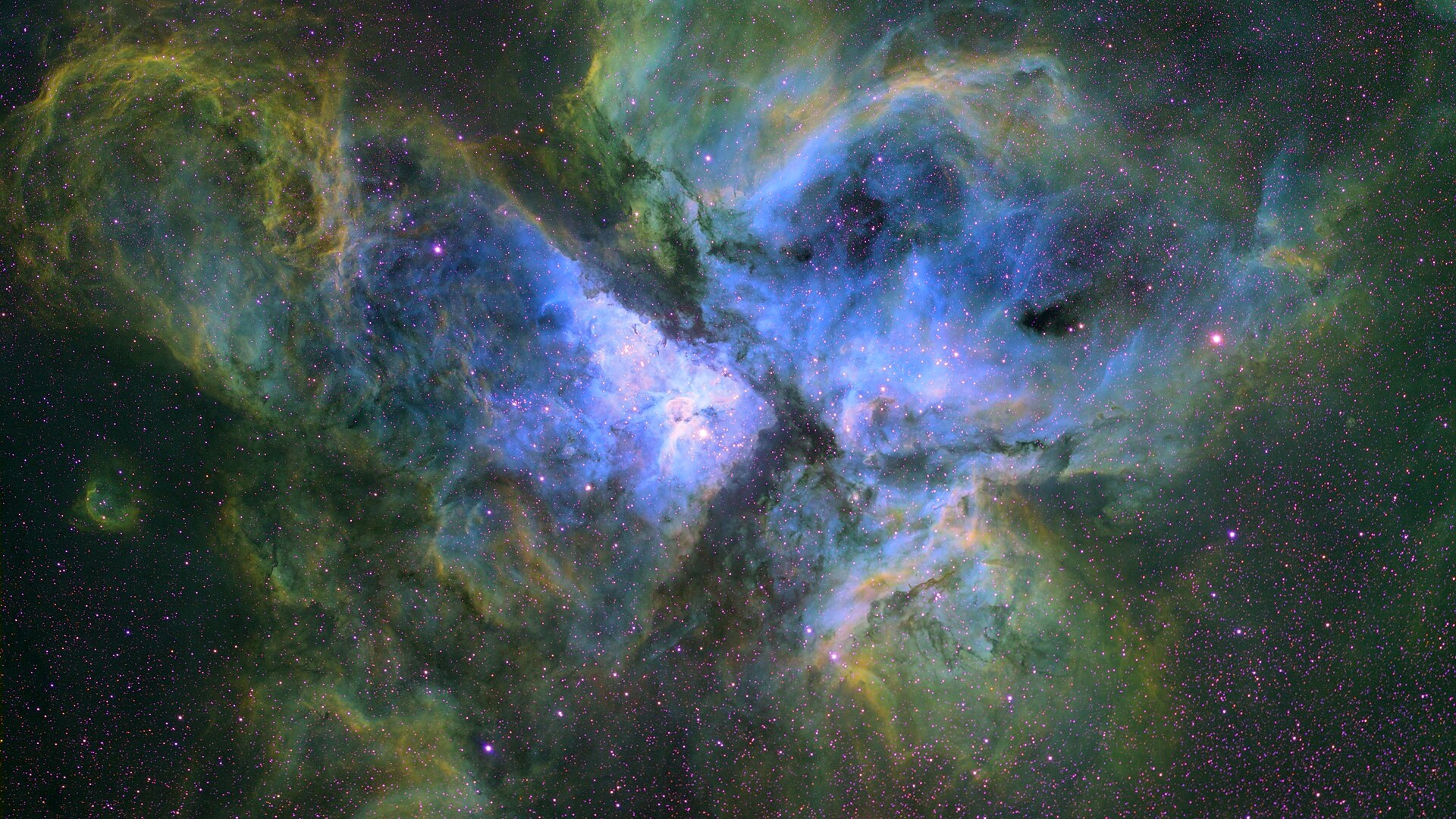
Star River
Sci-Fi
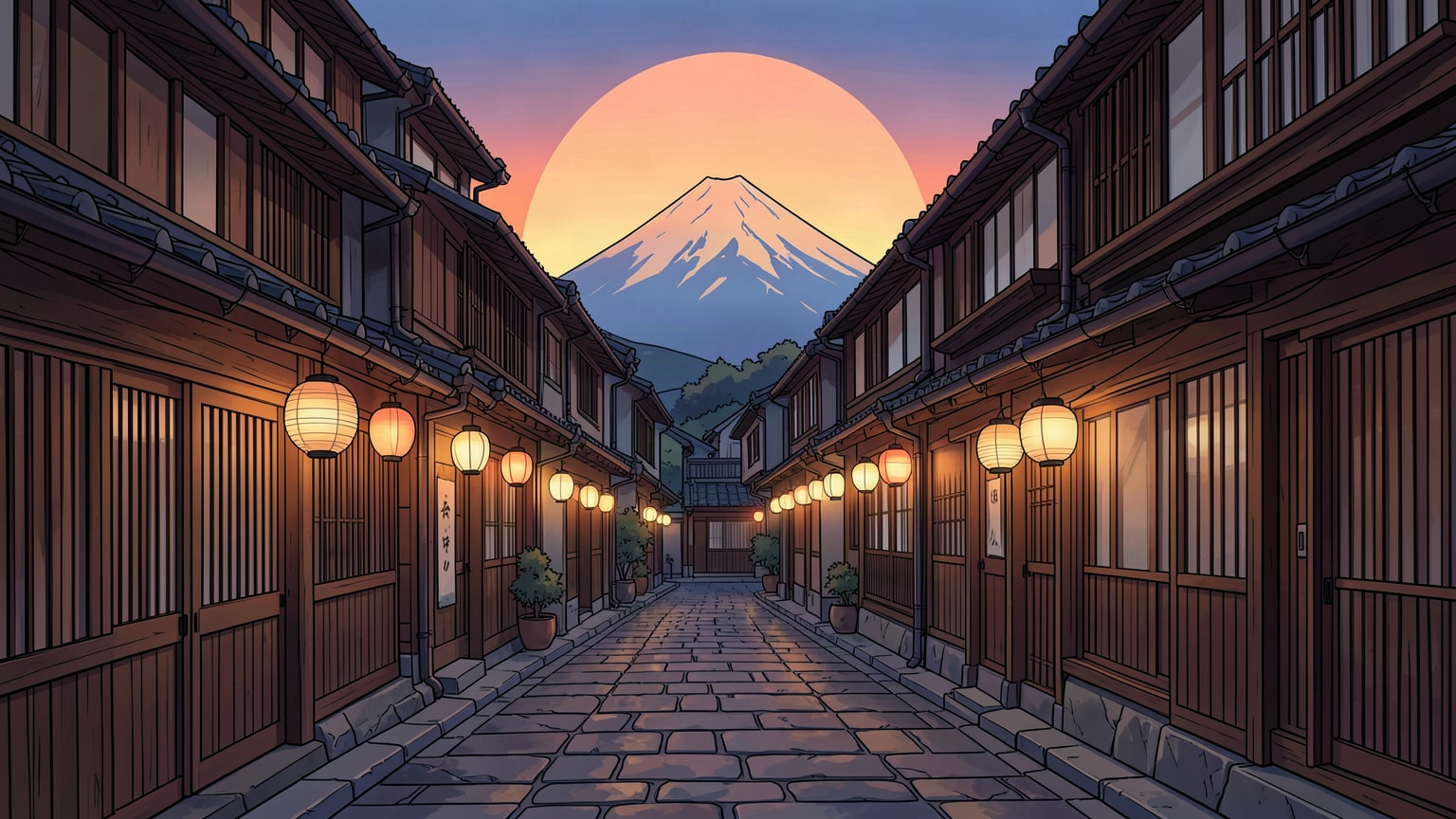
Lantern Lane
Ukiyo-e Anime
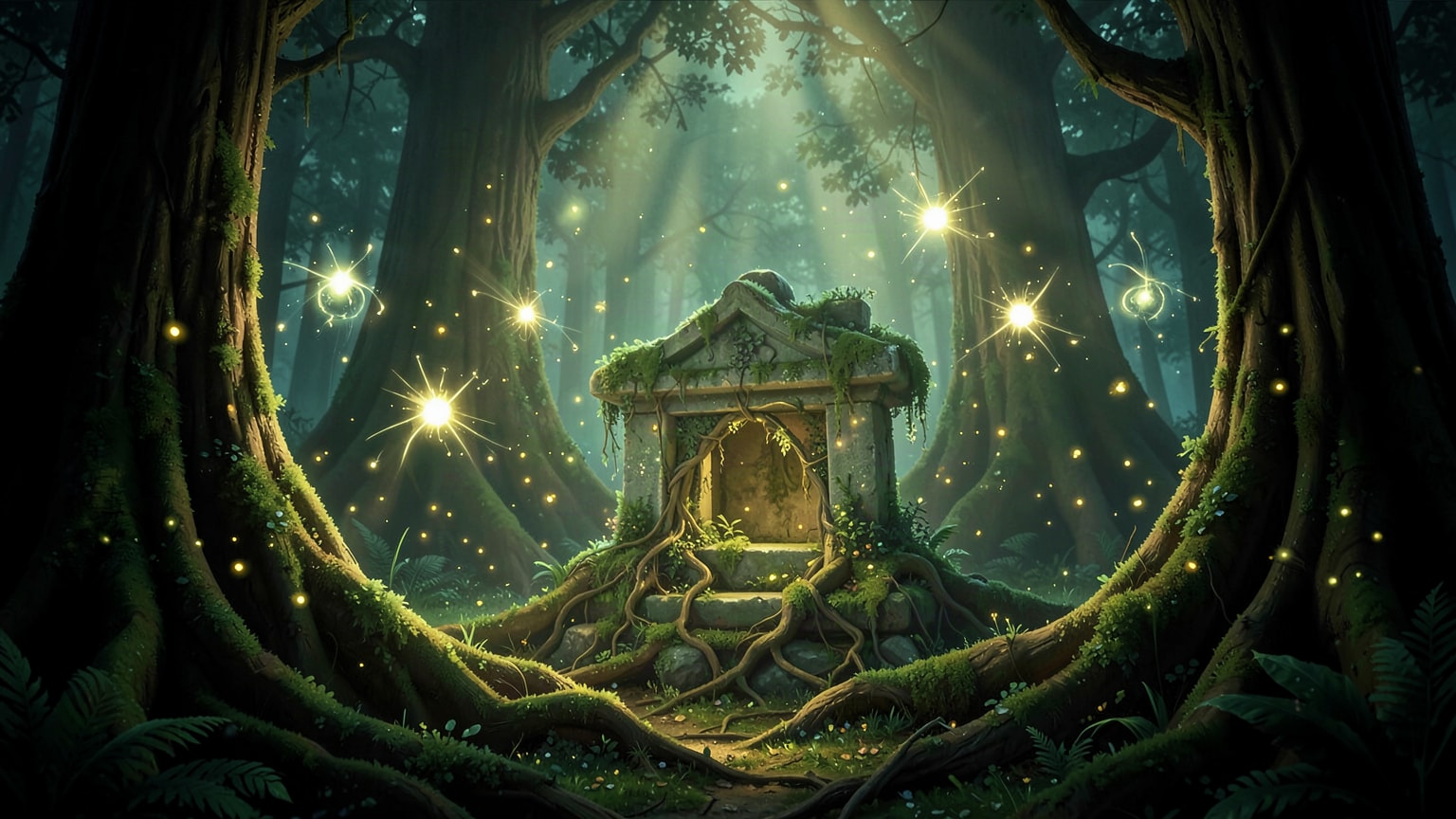
Spore Spirits
Dreamcore
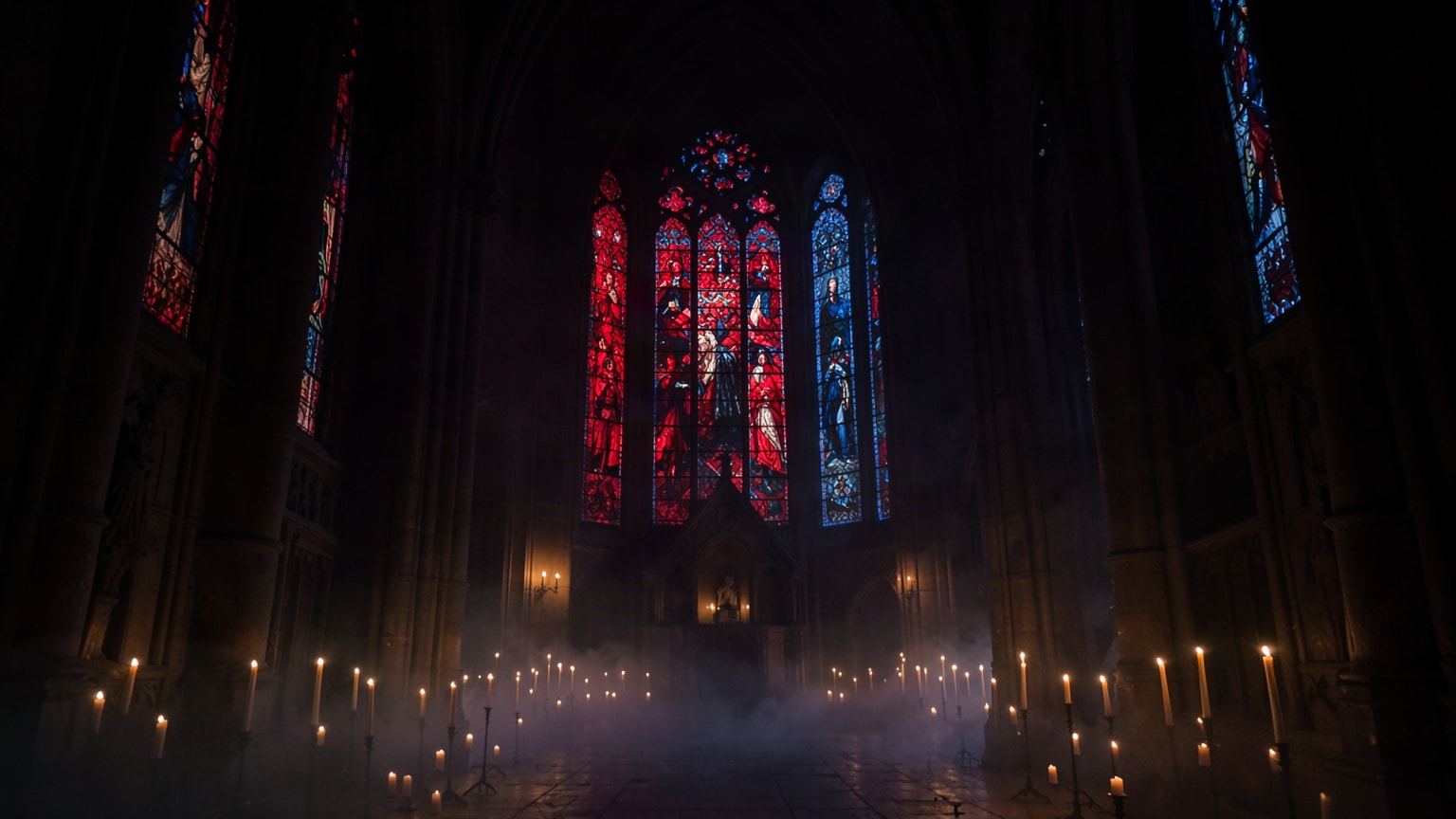
Midnight Cathedral
Gothic Horror
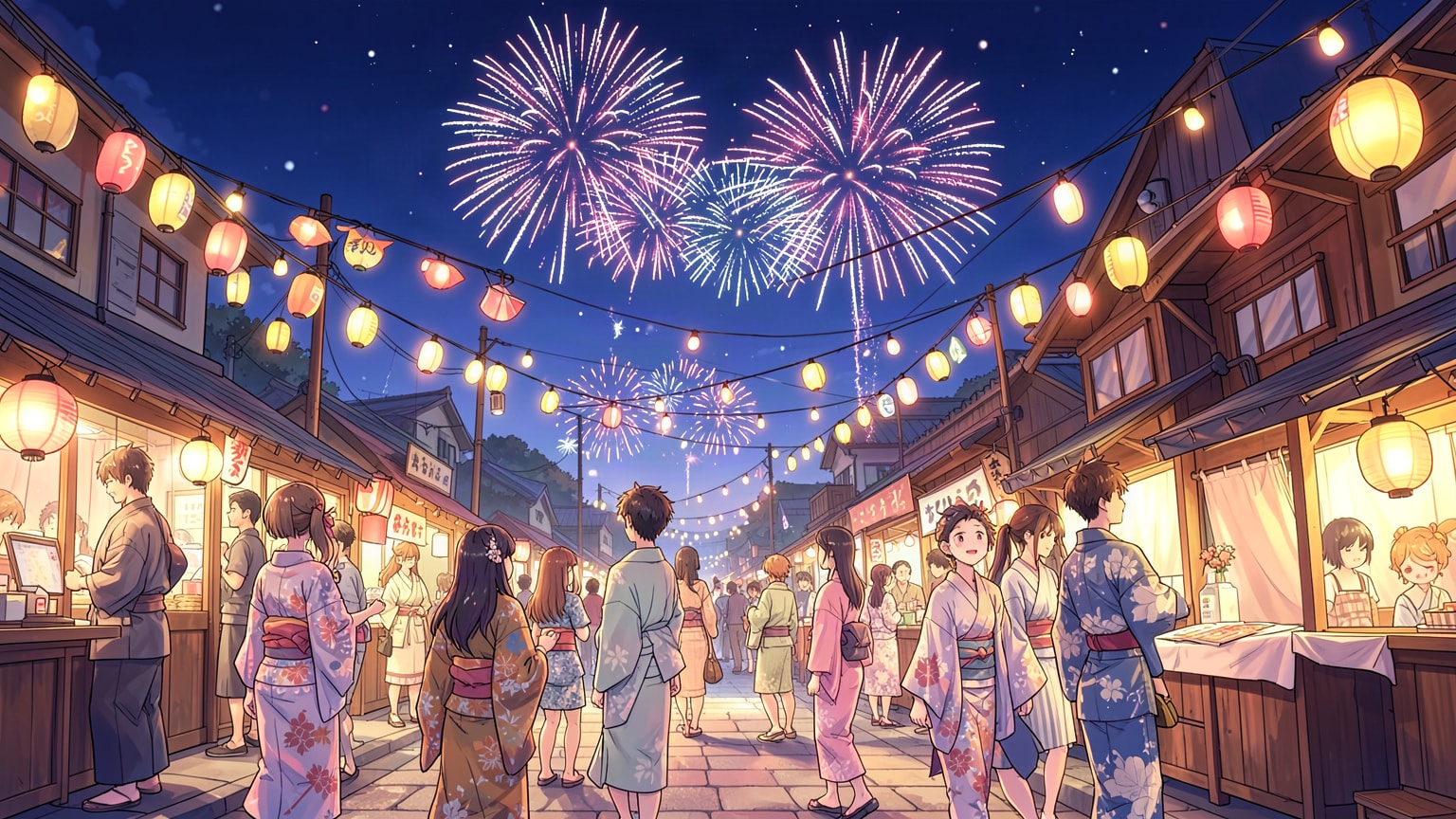
Festival Lights
Slice of Life
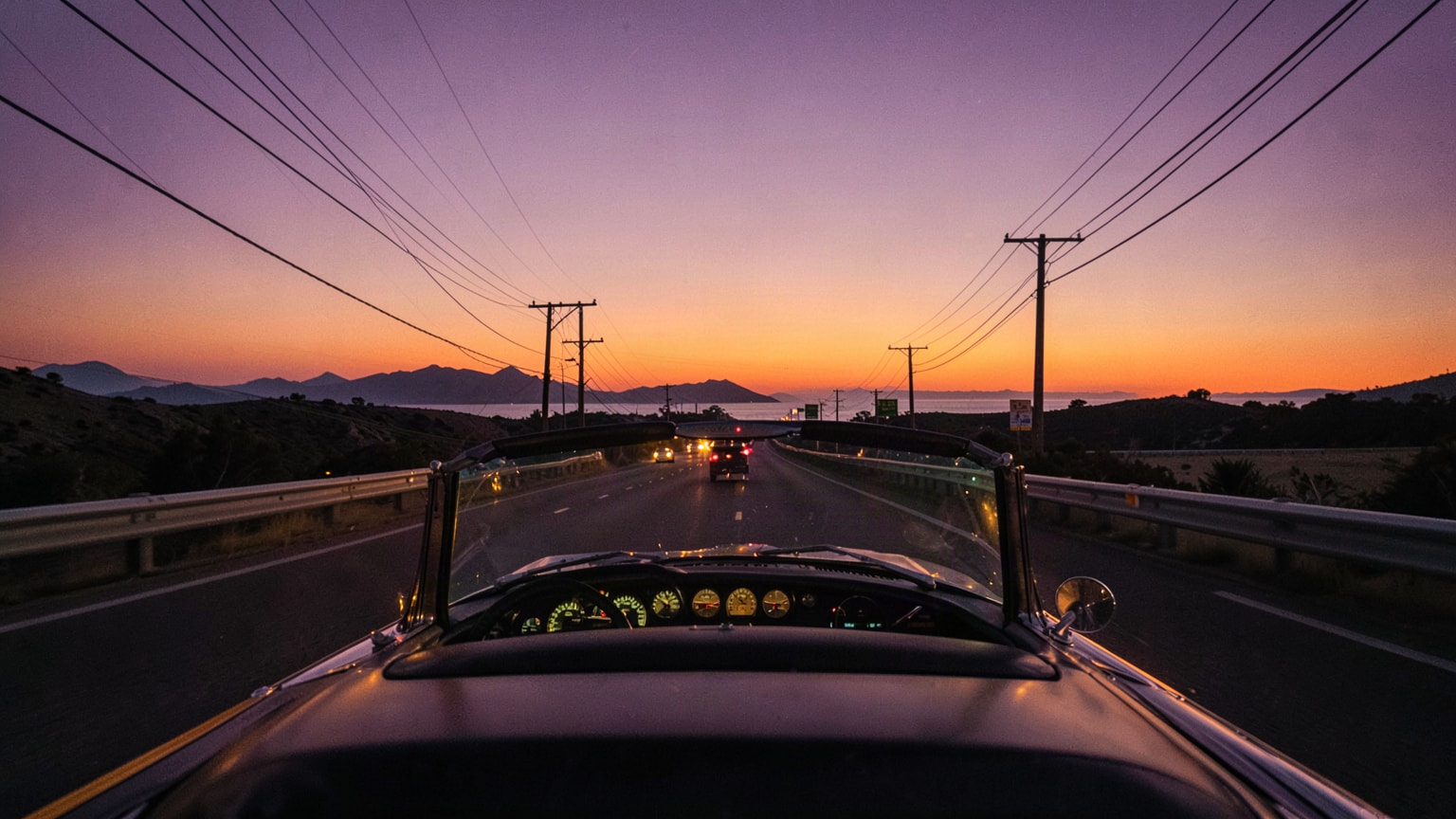
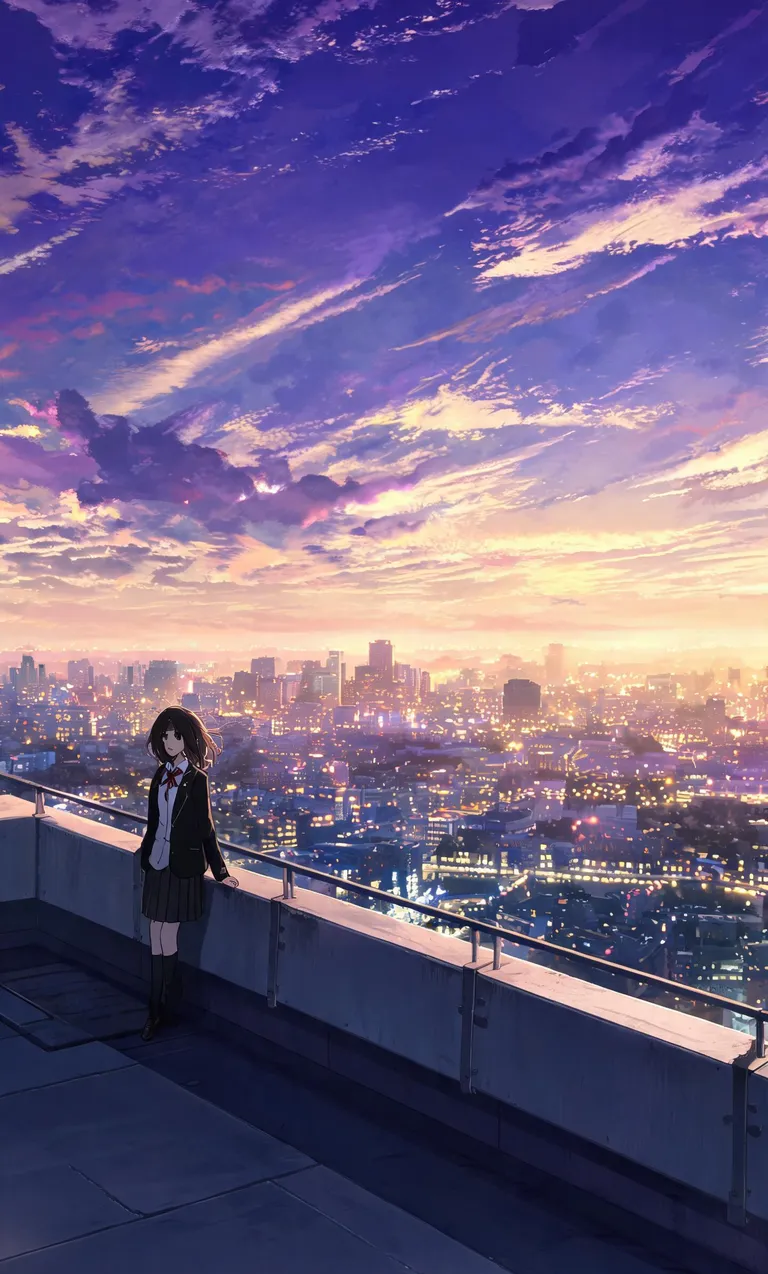
Dusk Convertible
Cinematic
Some artwork is still under licensing review; those works are view-only and not downloadable until cleared.
Styles
Browse by style
Six signature looks to start from — open any style in the Studio to preview it.
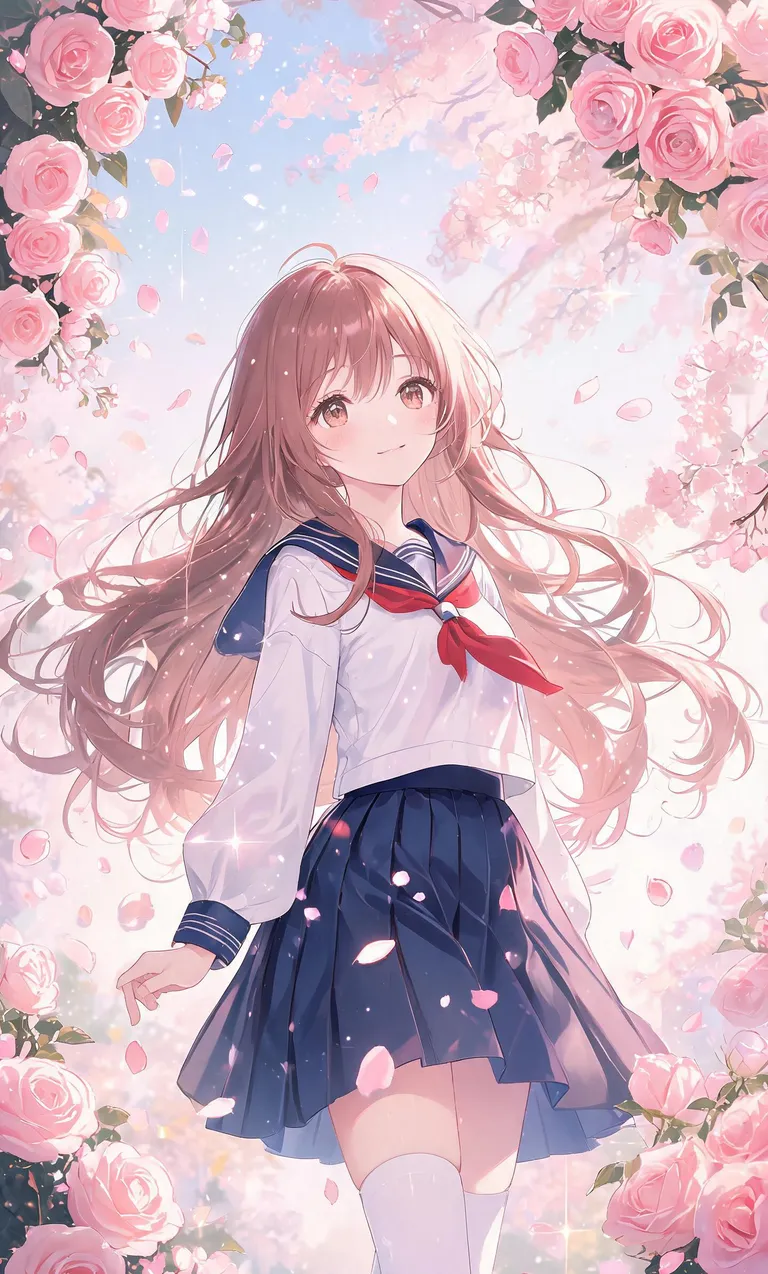
Shojo Romance
Soft pastel romance and sparklesOpen in Studio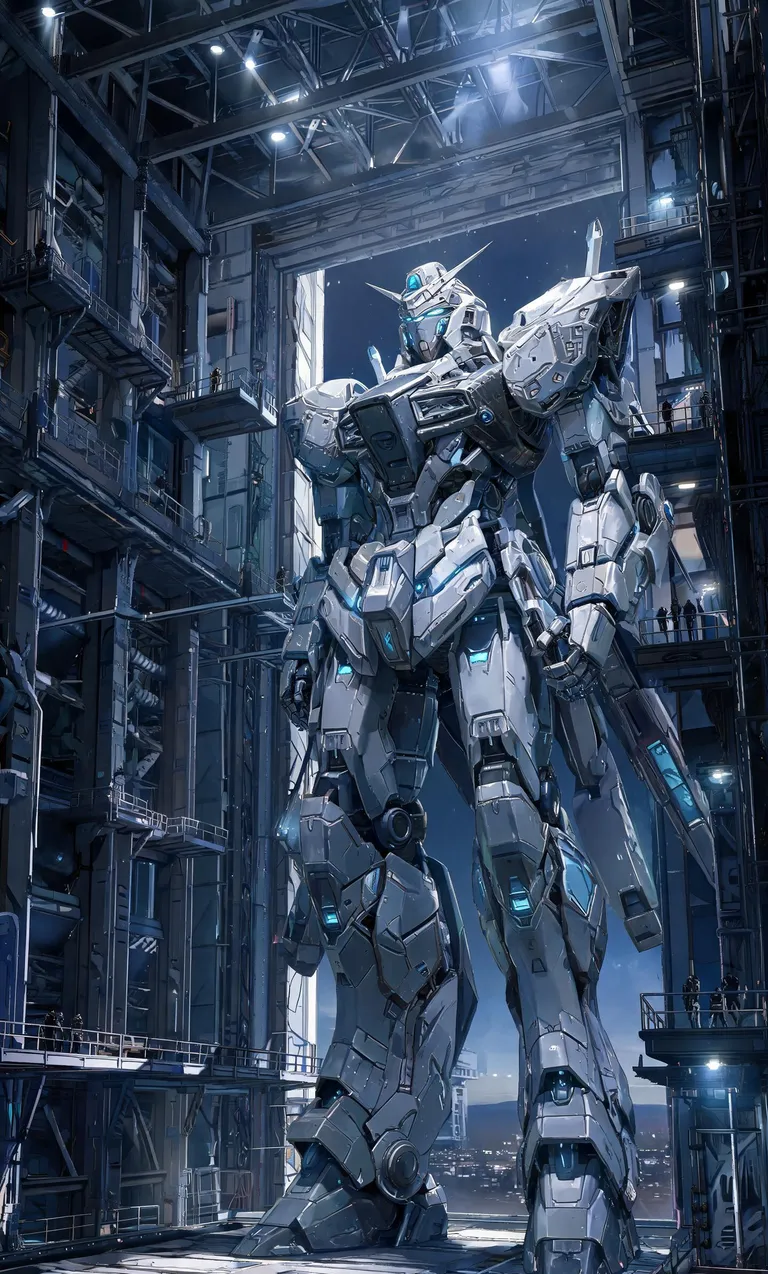
Mecha Sci-Fi
Colossal robots and mechanical epic scaleOpen in Studio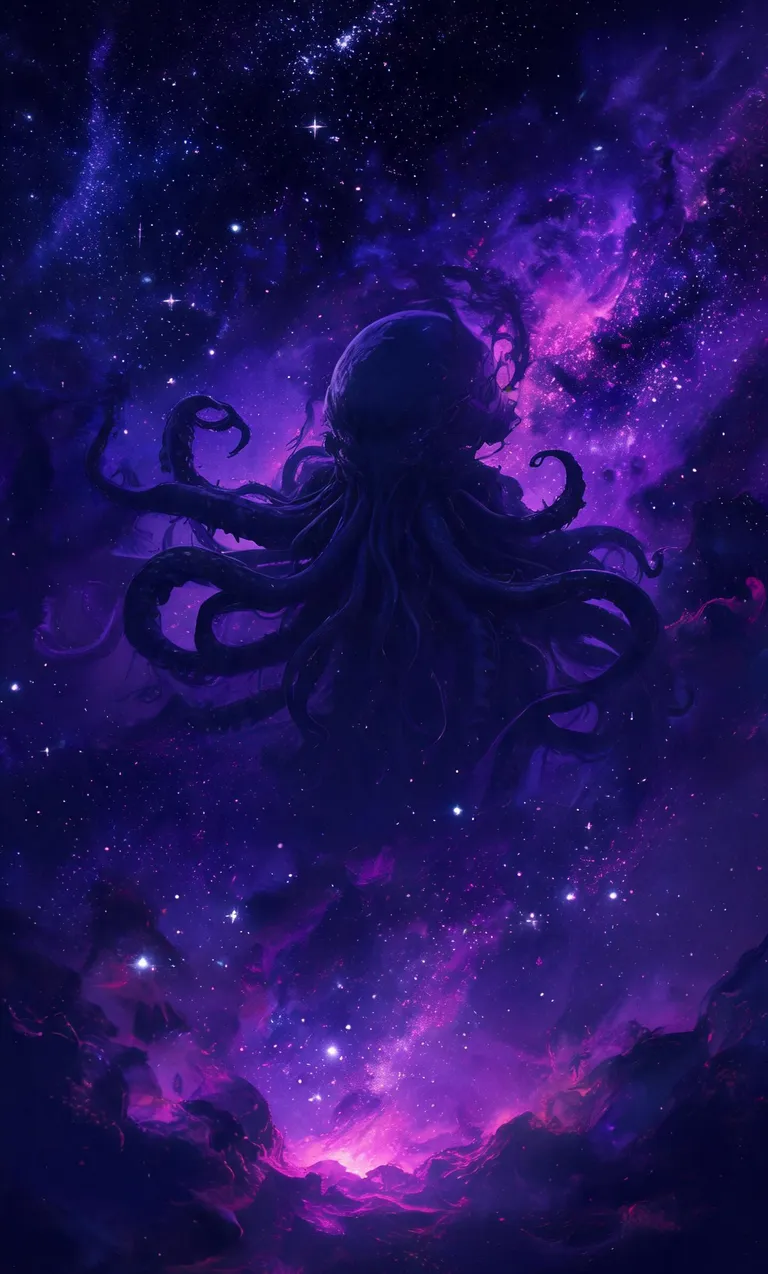
Cosmic Horror
Unknowable entities in the deep voidOpen in Studio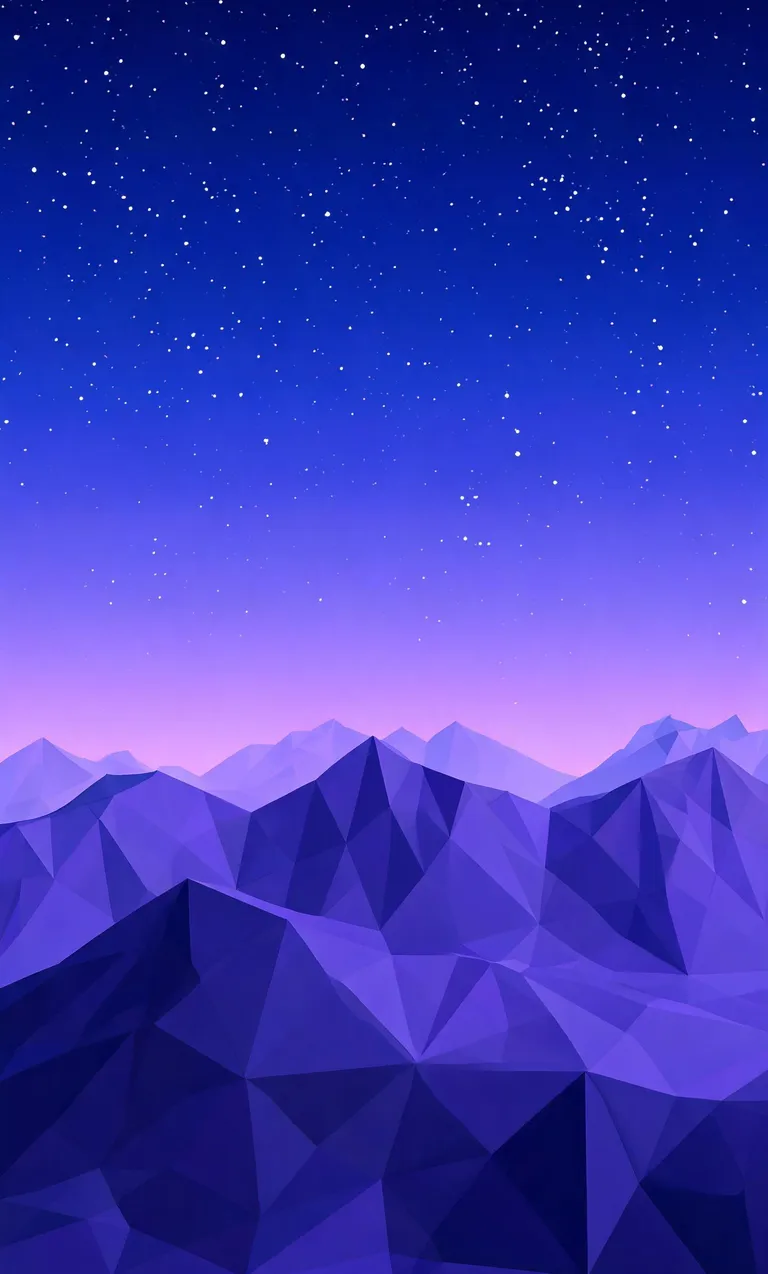
Low Poly
Faceted geometry and flat-shaded minimalismOpen in Studio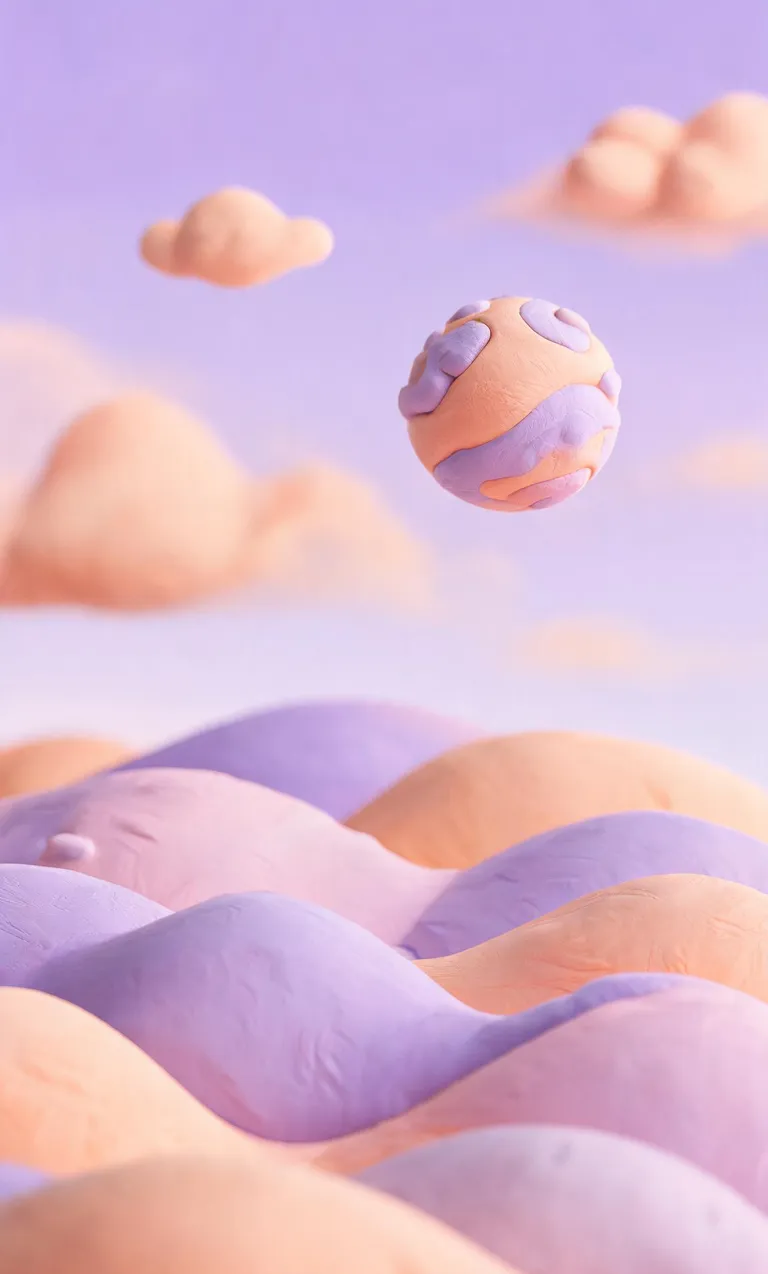
Clay 3D
Soft plasticine shapes and matte studio lightOpen in Studio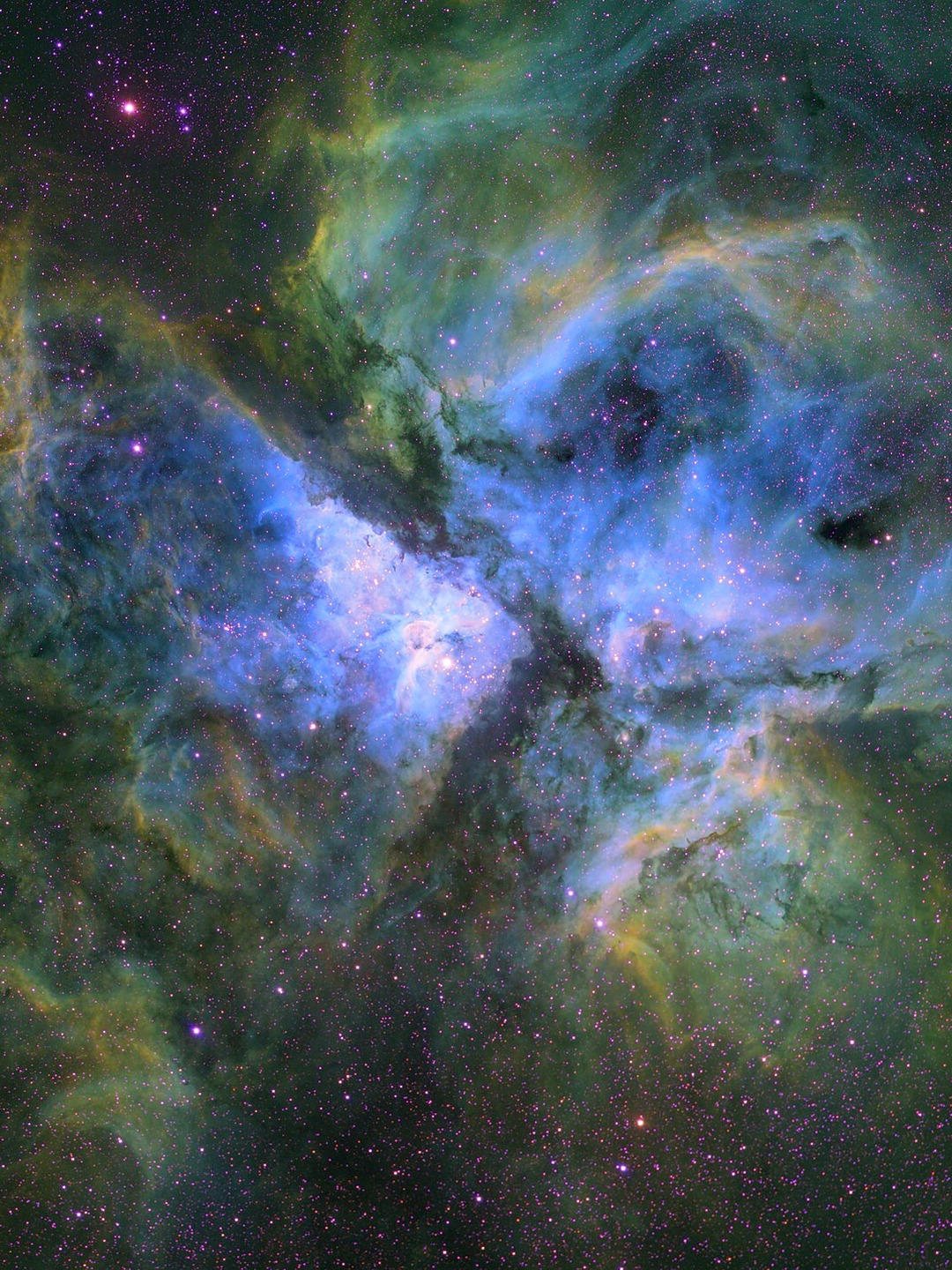
Starry Galaxy
Deep-space nebula and dense star fieldsOpen in Studio
AI Studio
Design it. Generate it.
The Studio is WallHaze's creative workspace: describe what you want to see, pick a signature style, dial in the exact ratio and resolution for your device — and keep the result in your personal library.
Signature styles
Start from hand-tuned presets — from neon cyberpunk to cozy anime — or write a prompt that’s entirely your own.
Exact fit for your screen
Phone, tablet or desktop: choose a device preset, an aspect ratio and a resolution — including one recommended for your current screen.
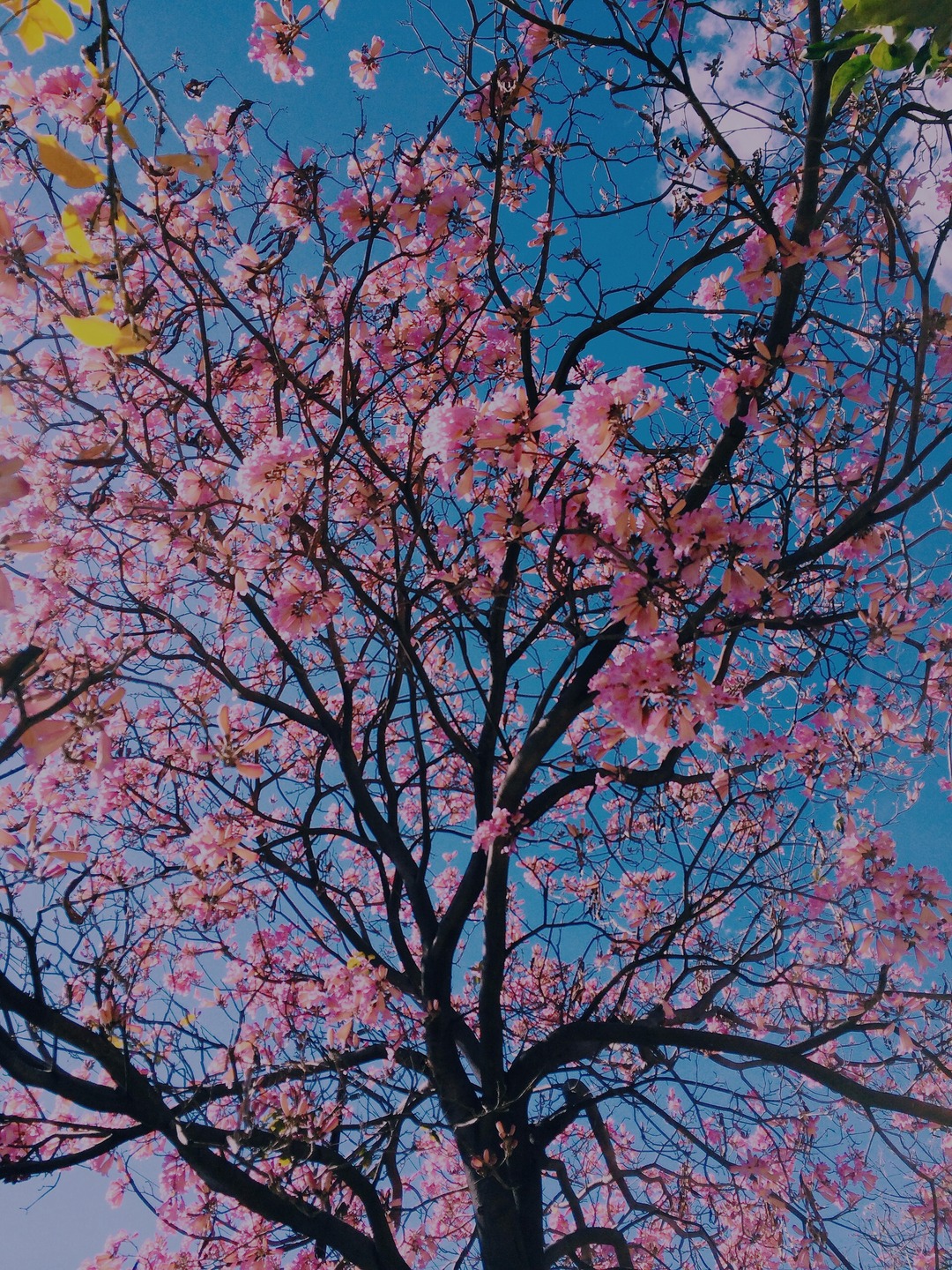
Reference photo
Attach a subject photo to guide the composition and scene; the Studio previews the result before you save it.
How It Works
Three steps to a new wallpaper
Browse the gallery
Explore the free collection; artwork whose licensing is cleared can be downloaded without an account.
Create your own in Studio
Describe what you want to see, pick a style and generate a wallpaper made for your screen.
Save and set
Keep your favorites in one place and enjoy a screen that feels unmistakably yours.
Why WallHaze
Built differently, on purpose
Every screen, every ratio
From a 9:16 phone lock screen to a 16:9 desktop, wallpapers are composed for the device you actually use.
A curated collection
Browse a hand-picked gallery with clear labels; cleared artwork can be downloaded without an account.
Seven languages
The whole experience speaks your language — English, 简体中文, 日本語, 한국어, Español, Français and Deutsch.
Ready to transform your screen?
Browse the free gallery or open the Studio — find a wallpaper that feels like yours.